Manage developments and units
Keep floor areas, prices and availability current. Track holds, reservations and sales for each unit.
For property developers and project sales teams
Manage new-build projects and units, capture buyer enquiries and keep track of viewings, reservations and sales.
Personal setup · Secure access for your team
Lindenblick development
Unit A.12 · 3 rooms
From unit inventory to the sales report
A fictional new-build development with 24 apartments. Follow unit A.12 to see how inventory, buyer enquiries and sales status are connected.
The sales team records the development and its units, including floor areas, prices and availability. A.12 is available at launch.
A buyer enquires about A.12 through the published property microsite. The CRM links the enquiry to the property and unit.
The team records budget, financing and timescale. The person responsible schedules the next step.
The team arranges a viewing for A.12 and keeps track of the booking in the CRM.
After the viewing, the sales team confirms the reservation. A.12 appears as reserved in the inventory.
The project lead can review inventory, confirmed sales, enquiry sources and offer status in the monthly report.
Tools for development sales
Keep floor areas, prices and availability current. Track holds, reservations and sales for each unit.
Capture enquiries from property microsites, forms and published funnels and connect them to your sales process.
Qualify contacts, assign tasks, record conversations and coordinate viewings.
Bring together unit inventory, enquiry sources, offer status and confirmed unit sales in your project sales report.
Property microsites and visitor analytics
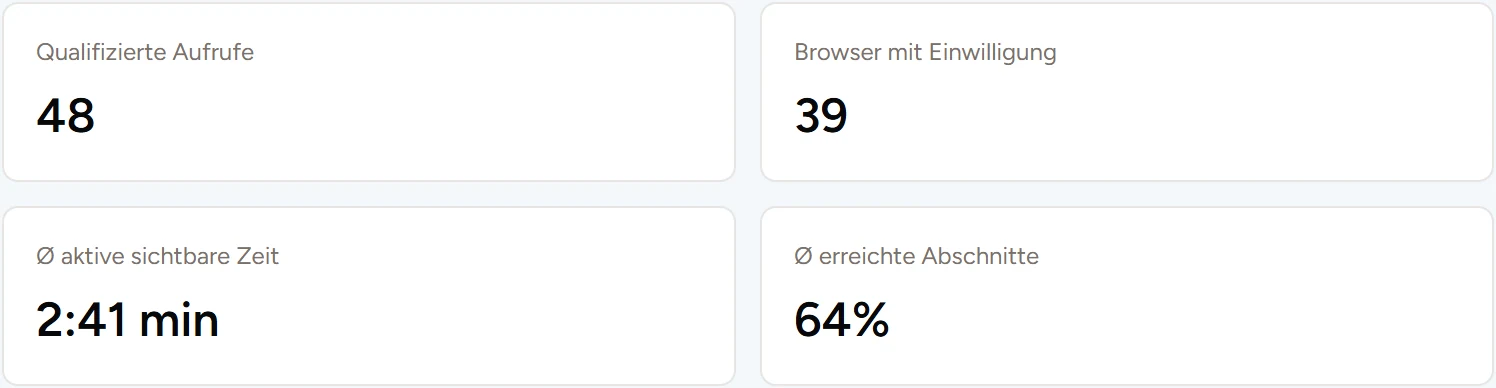
Publish property microsites in German, English and Spanish with selected photos, floor plans, documents and videos. Show current unit availability and approved prices. Share revocable links for a channel or an intended recipient. Enquiries submitted through the microsite arrive in the CRM.
For your sales team
Manage new-build developments with unit inventory, buyer enquiries, reservations and reports for each project.
Explore CRM for developersOrganise seller and buyer enquiries, mandates, search profiles and suggested property matches.
Explore CRM for agentsFrequently asked questions
We walk you through an example development and discuss how units, enquiries and reservations could work together in your sales process.
You receive a proposal for the agreed scope. It covers setup, ongoing use and any additional services you choose.
After personal setup, we invite your team into a protected workspace. Roles and permissions determine what users can access.
Calendar and email features depend on the provider, connection and permissions. We discuss what your existing setup supports during the demo.
Yes. The enquiry form on a published property microsite works independently of analytics consent.
We show you how a unit progresses from buyer enquiry to reservation and into the project sales report.
Request a demo